Fortinet

About Fortinet
Fortinet is a cybersecurity and networking company founded in 2000. Its FortiGate platform brings firewall policy, secure connectivity and traffic visibility together.
Nordma helps organisations assess existing Fortinet environments, plan upgrades and deploy changes around the services their people depend on. We document what changed, how it was tested and who will look after it.
Fortinet solutions
FortiGate firewalls
FortiGate combines firewall policy, routing and traffic visibility. For a new deployment or a replacement, Nordma can help identify which connections the business needs, review which inspection features should be enabled, and assess model and licensing options against traffic volumes, resilience requirements and expected growth.
Site connectivity and Secure SD-WAN
Connect offices and branches over the links available at each location. Where Secure SD-WAN fits, Nordma can help define which applications should prefer each connection and what should happen when a link degrades or fails. We agree what to test, including voice calls, cloud applications and access between sites.
Network segmentation and remote access
Separate staff, guests and systems with different access requirements. Nordma can review the connections that need to cross network boundaries and how employees and suppliers reach internal services. We plan the changes with system owners and check representative workflows before extending a new policy across the network.
Centralised management and logging
For organisations with several devices or sites, FortiManager can centralise configuration and policy administration, while FortiAnalyzer can collect logs and support reporting. Nordma can help scope which equipment and events need visibility, who approves changes, where logs should be retained and who reviews them.
How Nordma can help
Review the existing environment
Map interfaces, firewall policies, site-to-site VPNs and the services they support. Review software and support status, identify rules that need clarification and agree which business connections must work throughout a change.
Plan and validate the rollout
Choose the order of work, prepare a configuration for review and agree the change window, acceptance checks and rollback conditions. For multi-site work, use the first rollout to check assumptions before scheduling the remaining sites.
Document and hand over
Record the approved configuration, topology and validation results. Agree who owns configuration backups, software updates, monitoring and changes to firewall rules, and where Nordma should provide ongoing support.
Example engagement
Replace firewalls across three offices
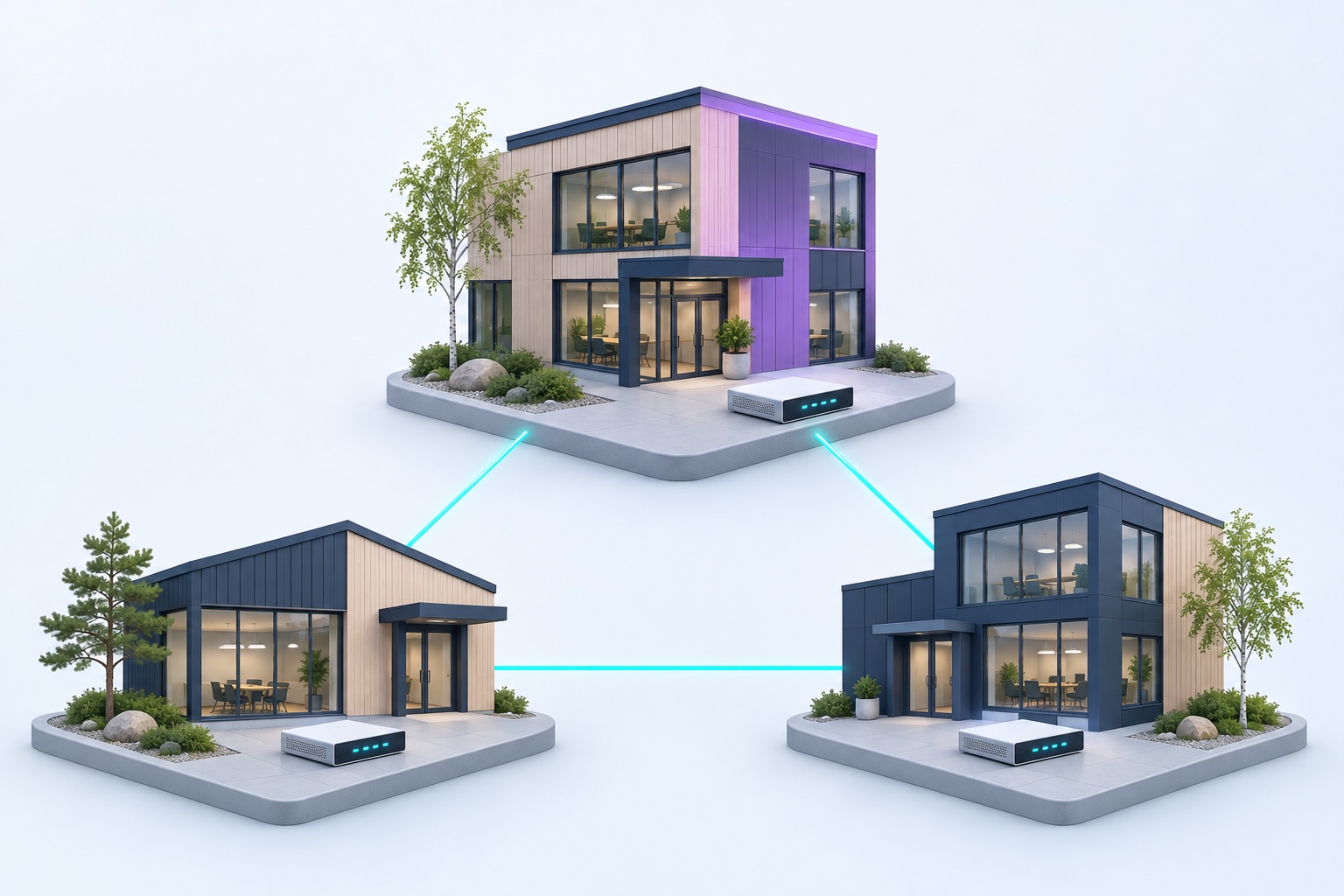
Imagine three offices with different internet providers and a mix of shared applications and site-to-site VPNs. Before replacing the firewalls, Nordma would review the current rules and VPNs with the IT team, confirm the connections each office depends on, and agree what can be retired or simplified.
We would start with one pilot office, then check access to shared systems, site-to-site connectivity and agreed failover behaviour. The team would use those results to refine the configuration and schedule the other sites. The handover would include the approved rules, configuration backups, test results and named owners for ongoing changes.